Marketing & SEO
The site’s Marketing & SEO tab (owners and admins only) gathers measurement and search controls in four cards. Fill in what you use, leave the rest blank, and press Save.
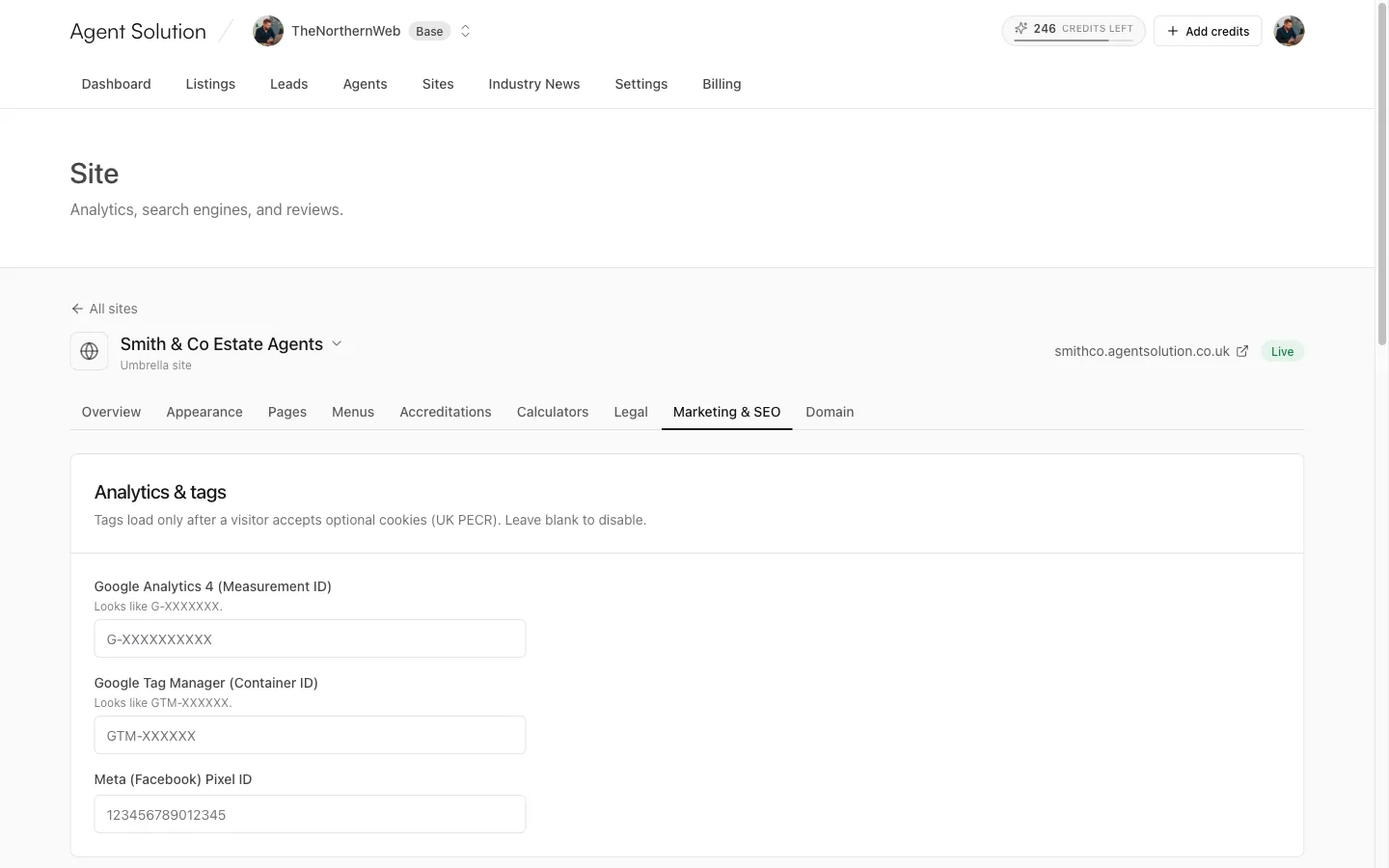
Analytics & tags
Section titled “Analytics & tags”Paste IDs for any of:
- Google Analytics 4 (Measurement ID, looks like
G-XXXXXXX) - Google Tag Manager (Container ID, looks like
GTM-XXXXXX) - Meta (Facebook) Pixel (the numeric pixel ID)
Tags load only after a visitor accepts optional cookies, keeping the site compliant with UK cookie rules (PECR) out of the box. Leave a field blank to disable that tag.
Search engines & AI
Section titled “Search engines & AI”- Google Search Console verification and Bing Webmaster verification: paste the content value from each service’s HTML-tag verification method to prove you own the site.
- Allow AI crawlers (on by default): lets AI engines like ChatGPT, Claude, Perplexity and Google AI crawl the site. Turn it off to block them in robots.txt.
- AI summary (llms.txt): a short description of your agency published at
/llms.txt, which AI engines use to describe you accurately.
Sitemaps are generated and referenced automatically; there’s nothing to configure.
Social sharing
Section titled “Social sharing”The fallback image shown when your site is shared on social media. 1200 by 630 pixels works best. Individual pages and posts can override it.
Google Business Profile (your reviews)
Section titled “Google Business Profile (your reviews)”Link your profile to show your Google reviews on your Contact page and star ratings in search results:
- Place ID: find yours with Google’s Place ID Finder.
- Profile URL: the public link to your profile (like
https://g.page/your-agency).
Reviews refresh daily.