Legal pages
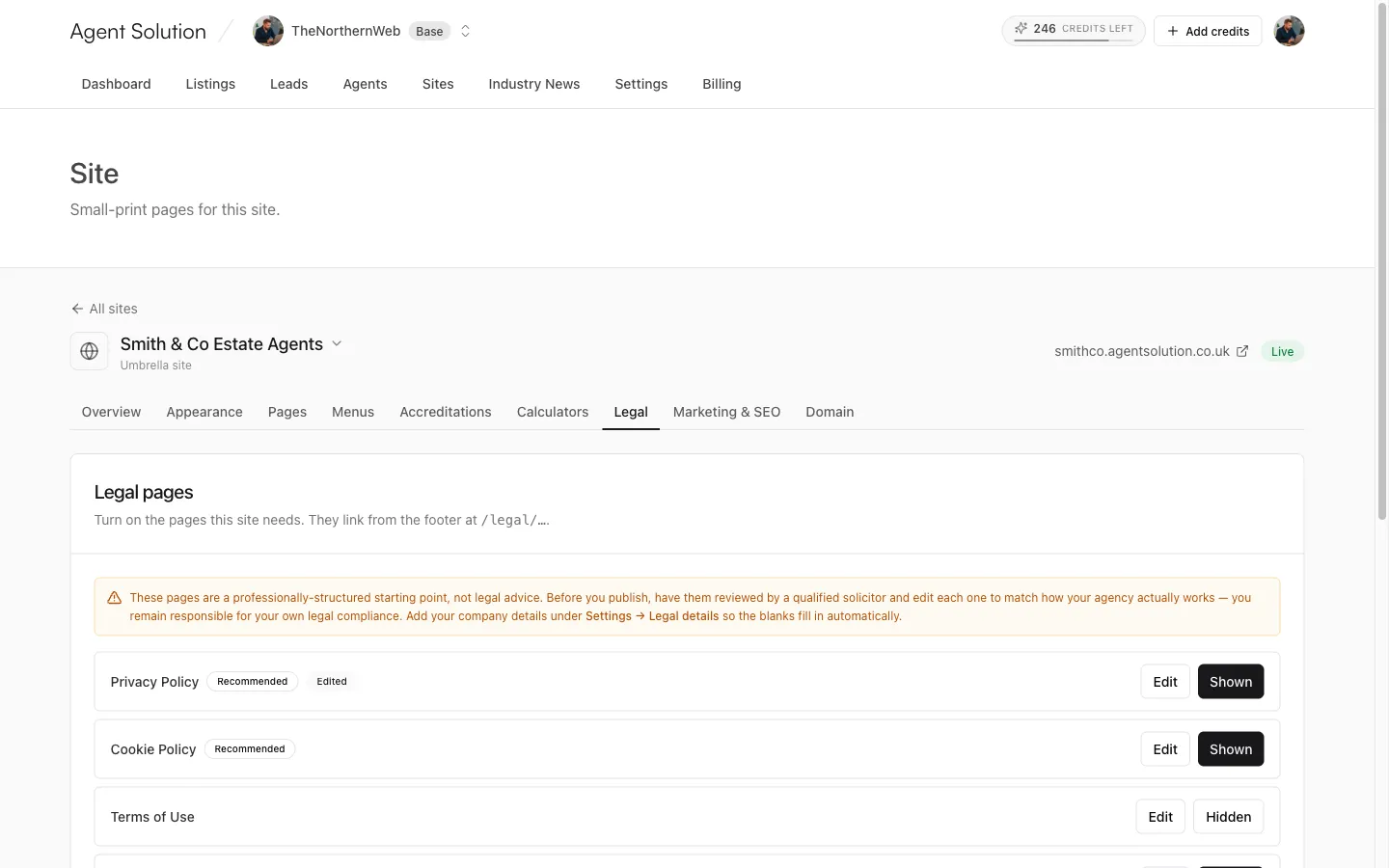
The site’s Legal tab manages the small-print pages (privacy policy, terms and so
on). They link from your footer under /legal/….
How it works
Section titled “How it works”Each page in the list has:
- A Shown / Hidden toggle: turn on the pages this site needs. Some carry a Recommended badge.
- An Edit button opening a rich-text editor. Edited pages show an Edited badge, and Reset to template discards your edits and returns to the platform template.
- Save & show publishes your edit and enables the page in one go.
Filling in the blanks
Section titled “Filling in the blanks”The templates contain placeholders (company name, registration numbers, redress scheme and so on) that fill in automatically from Settings → Legal details: registered company name, trading name, registered address, company number, VAT number, ICO registration, redress scheme, Client Money Protection scheme, and contact details. Fill that screen in once and every site’s legal pages pick the values up. Your footer also shows the trading name and redress scheme. See Legal details.