Blog & area guides
Blog posts and area guides live in the site’s Pages tab, under the Blog posts and Area guides sub-tabs. Both work the same way; area guides just add location fields. They’re your local-SEO engine: area guides in particular are the pages that rank for “living in {town}” and “estate agents in {town}” searches.
Creating one
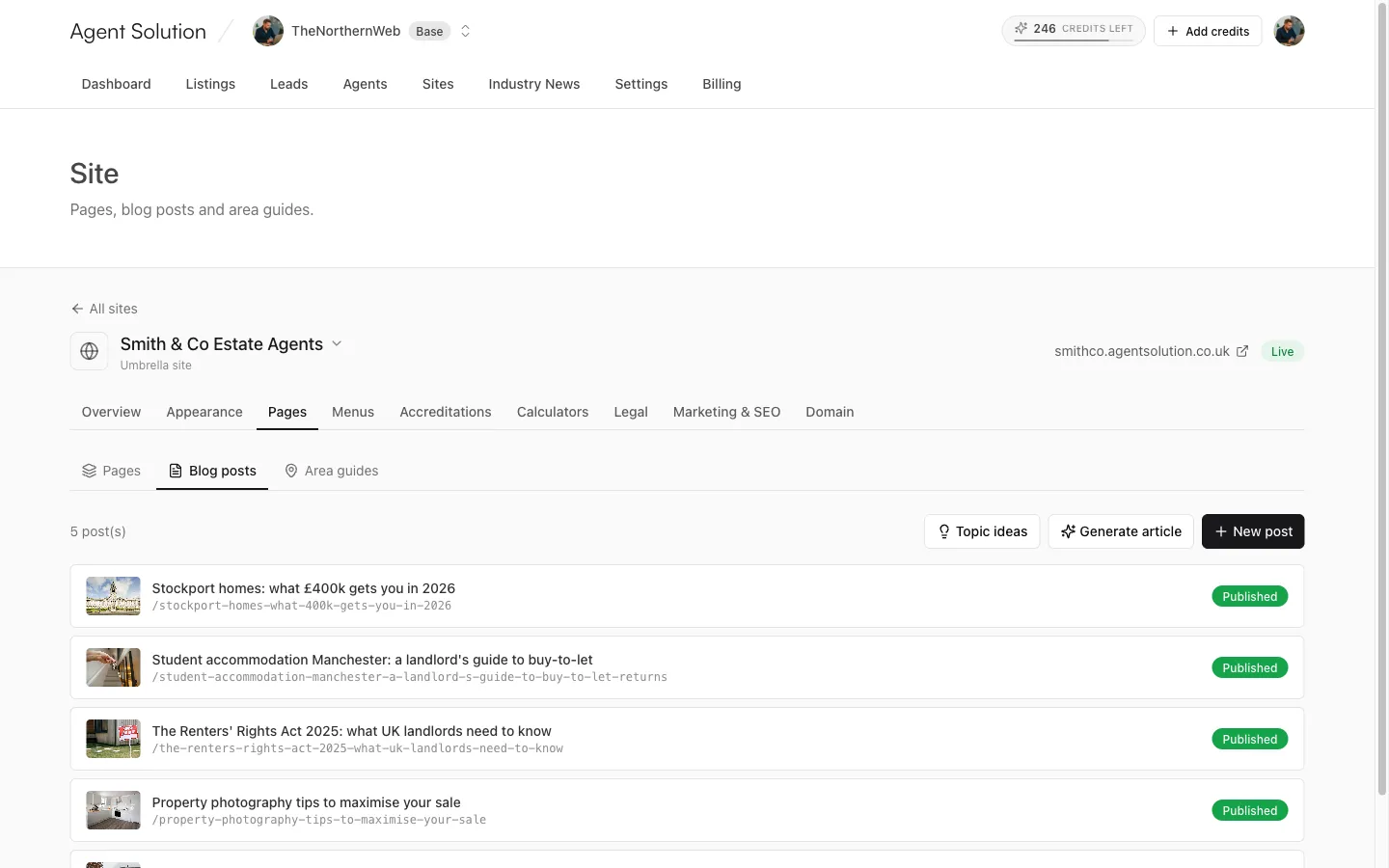
Section titled “Creating one”Three buttons at the top of each list:
- New post / New area guide: start from a blank editor.
- Generate article / Generate area guide: let AI research and draft it (up to 20 credits; see below).
- Topic ideas: AI suggests topics worth writing about, each with an opportunity score out of 100, its focus keyword and monthly search volume; some carry an “In the news” badge with a source link. Press Use on an idea to pre-fill the generator.
The editor
Section titled “The editor”- Title, and a slug that auto-generates from it.
- Featured image: from the shared media library. AI-generated drafts also arrive with a strip of suggested images.
- Excerpt: a short summary used on listing pages.
- Body: a full rich-text editor. The Draft with AI button above it (3 credits) writes a first draft from your title, replacing the body for you to edit.
- FAQ: add question-and-answer pairs; they render as an accordion on the page and are marked up for FAQ rich results in search.
- SEO title, meta description, and a focus keyword (the search term the post targets). A live SEO scorecard shows how the piece stacks up as you write.
- Social share image: the image used when the post is shared; defaults to the featured image.
Area guides add Town and Postcode prefixes (for example “BA1, BA2”) so the guide wires itself to the right listings and local searches; the focus keyword defaults to the town.
Generating a full article with AI
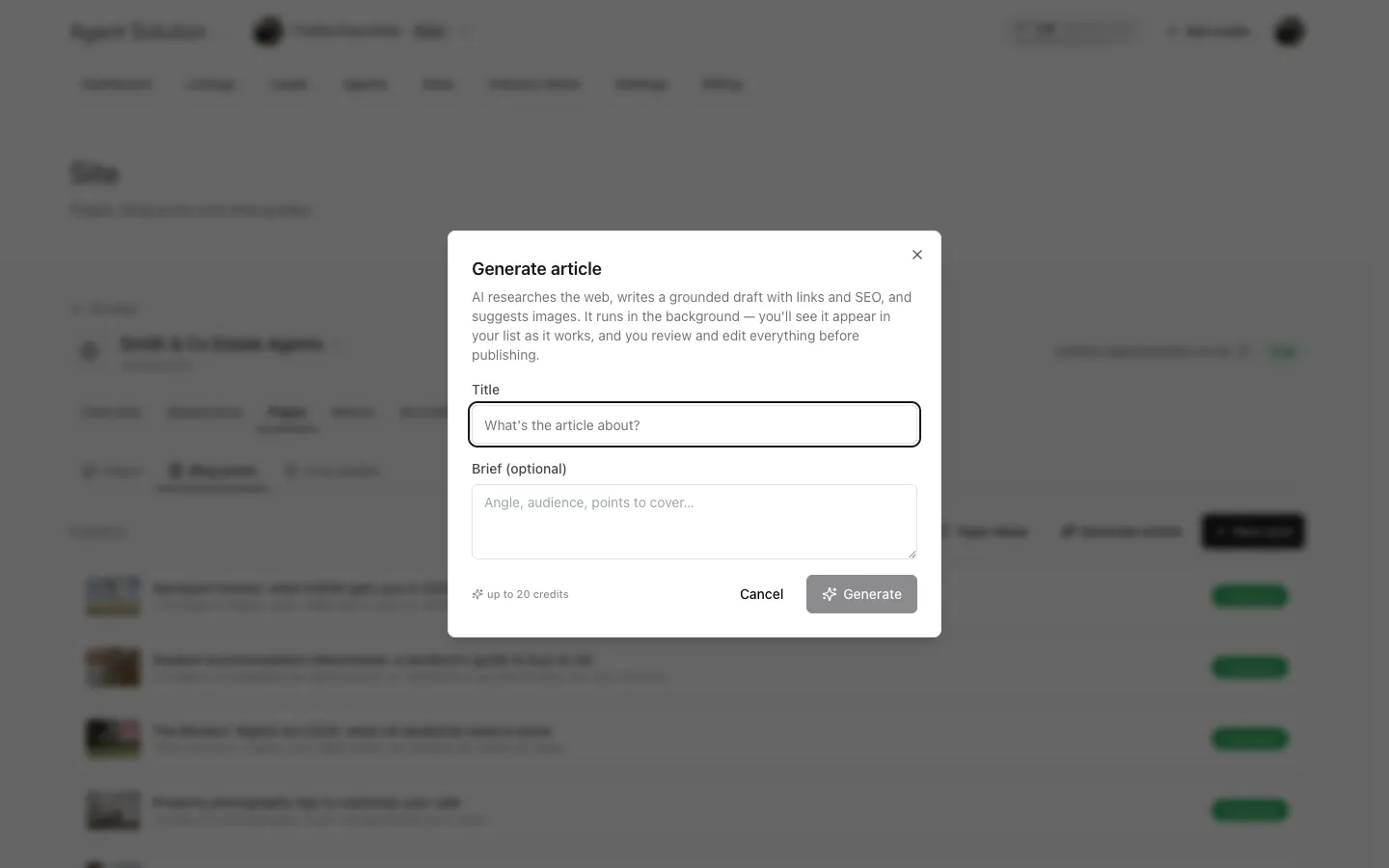
Section titled “Generating a full article with AI”Generate article (or Generate area guide) opens a short form: the title, an optional brief (“Angle, audience, points to cover…”), and for guides the town and postcode prefixes. Press Generate and the job runs in the background for around ten minutes; you can leave the page.
A live row appears above your list showing each step as it happens: researching the web, writing the draft, quality-checking, checking links, finding images. When it’s done you’ll see Draft ready to review; open it with Review, edit anything, then publish. If a run fails you can Retry or dismiss it, and the 20 credits are only charged when a draft is actually produced.
Every AI draft is grounded: it researches before writing, links only to verified sources, and never invents prices, statistics or facts. Details: Writing with AI.
Publishing
Section titled “Publishing”The same save/publish bar as pages: save, then flip Publish. Posts appear on your
site at /blog/{slug}, guides at /area-guides/{slug}, and both feed their index
pages automatically.