Credits
AI usage is measured in credits, and only in credits: the portal never meters AI in pounds.
What things cost
Section titled “What things cost”| Action | Credits |
|---|---|
| Compose a page | 4 |
| Redraft a section | 2 |
| Draft a blog post body | 3 |
| Draft an area guide body | 3 |
| Generate a researched article or area guide | up to 20, charged only when a draft is produced |
| Generate page SEO | 1 |
Every AI button shows its cost before you press it. Industry News bulletins don’t use credits; they have their own monthly allowance (see Industry News).
Your allowance
Section titled “Your allowance”Your plan includes 150 credits every month. The allowance resets each calendar month and doesn’t roll over. Topped-up credits are separate: they never expire and are used alongside the monthly allowance.
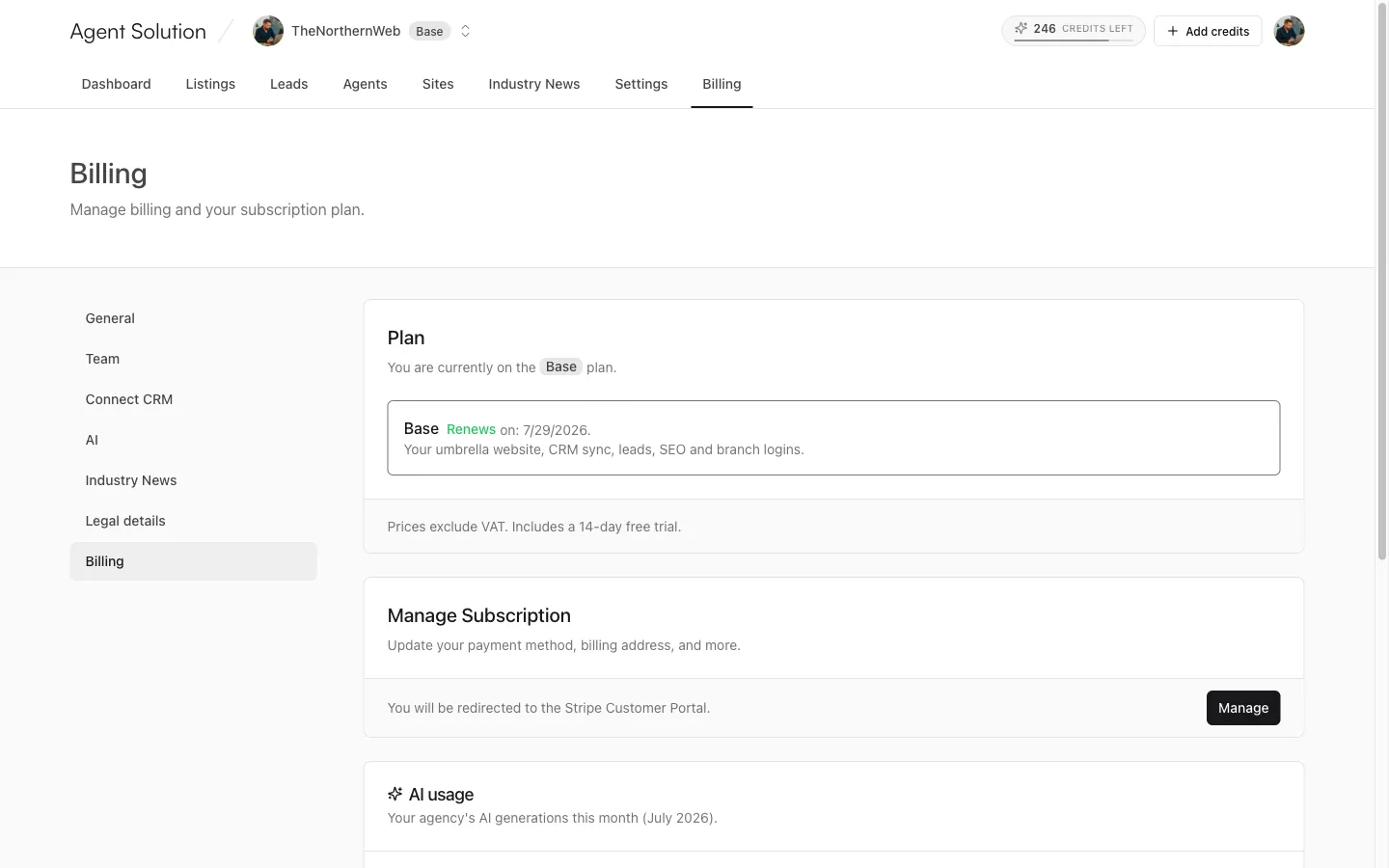
The credits chip in the portal header shows credits left with a draining bar (it turns amber when you’re under 20%), and a hover breakdown of monthly plus top-up minus used. On phones it lives in the avatar menu.

Topping up
Section titled “Topping up”Owners and admins can press Add credits (on the chip, or in the AI usage panel) to buy a 150-credit top-up for £29 through a secure Stripe checkout. Credits are added instantly. Editors will need to ask an owner or admin.
The AI usage panel
Section titled “The AI usage panel”Owners and admins see AI usage on the dashboard (compact) and in Settings → Billing (full): the month’s balance, and a per-action breakdown of pages composed, section redrafts, blog drafts, area guides, articles generated and page SEO, with the credit cost of each.